Recorded, not retrievable
We capture more than ever, but recall depends on searching the right device at the right time.
RUVI XR LABS / PRODUCT 01 — MEMO
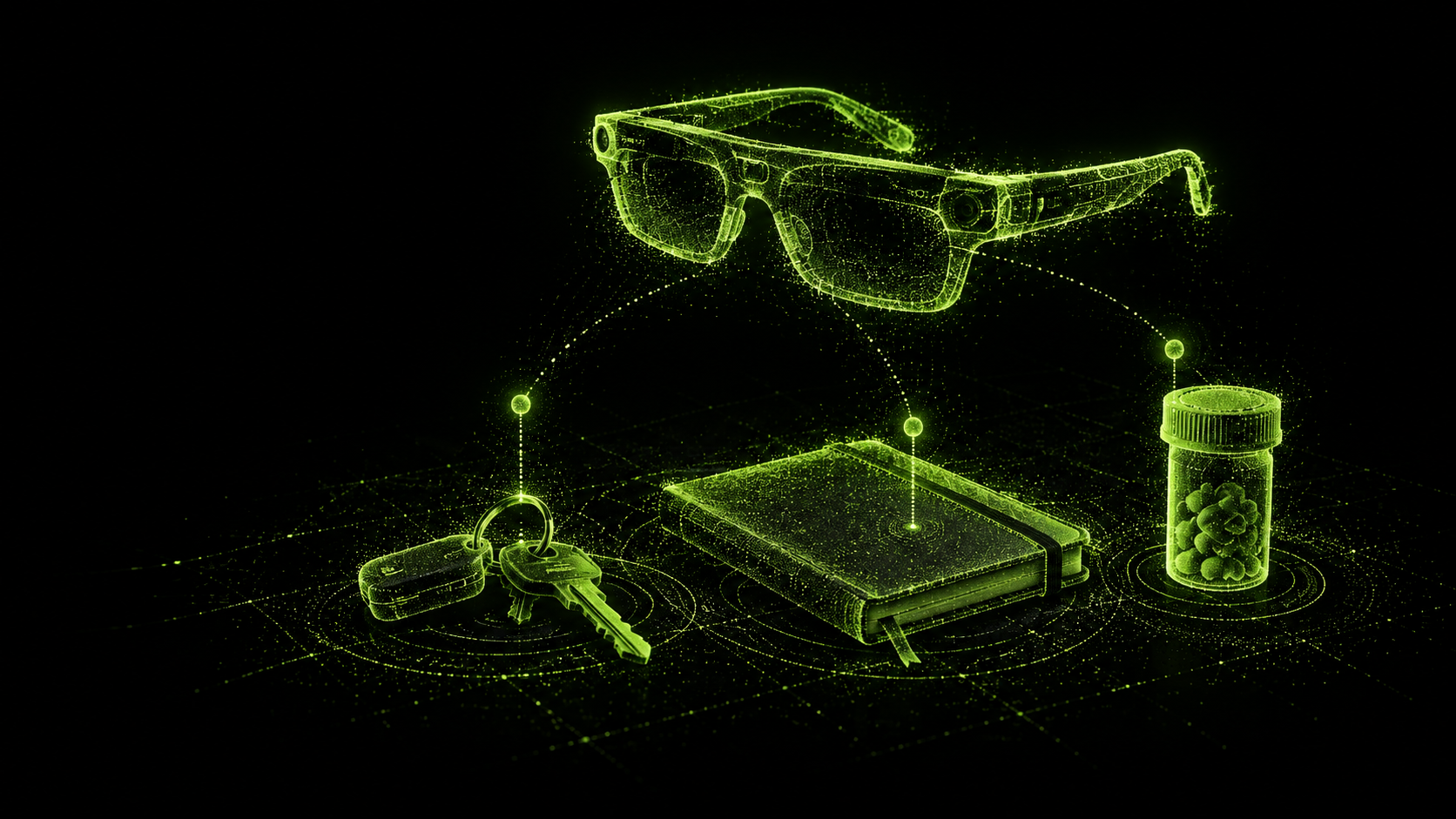
MEMO is AI assistance for everyday life, built for smart glasses. It answers questions about what you are looking at, remembers the moments you choose, and connects you with a trusted person when AI is not enough.
01 — THE PROBLEM
We already carry cameras everywhere, yet the moments that matter are rarely where we need them. MEMO explores what changes when the system is present with you — and honest about what it does not know.
We capture more than ever, but recall depends on searching the right device at the right time.
Questions like “where did I leave my keys?” do not start with a query. They start with a situation.
Generic assistants reason over text. They cannot tell you what you actually saw.
02 — WHO IT HELPS
MEMO started with older adults and the families who support them. The same problem shows up in anyone carrying too much in their head — so the same companion helps both, on the wearer’s terms.
FOR ANYONE WITH TOO MUCH TO TRACK
WHEN IT HELPS
“Where did I park?” — answered from the photo you saved this morning.
FOR OLDER ADULTS
WHEN IT HELPS
“What did the nurse say about the new tablets?” — your note from Tuesday.
FOR FAMILY & CARERS
WHEN IT HELPS
Anna gets a call when her mum asks for help — not a feed of her day.
03 — HOW IT WORKS
The same six steps as the shared Ruvi stack. Every answer follows one discipline: capture only when asked, answer from what was saved, and say so when nothing was.
When you say “MEMO, remember this”, the glasses capture a short clip, photo or voice note — and nothing in between.
MEMO works out what is in the moment: the object, the place, the words that were said.
The moment is saved with its time and place, in your MEMO app, under your control.
Saved moments, voice notes and reminders are connected, so one question can draw on all of them.
Ask out loud. The answer comes back spoken, with the saved moment it came from.
If nothing was saved, MEMO says so instead of guessing — and can call someone you trust.
04 — THE COMPANION APP
The glasses capture; the phone is where you look back. Browse the moments you chose to keep, find where you put things, replay voice notes, set reminders, and manage who MEMO can call for help.
TRY ITTap something to say to the glasses — the phone reacts the way the real app would.
ON SCREEN
Short clips and photos, captured only when you ask. Open one to replay the original moment, not a summary of it.
Each item keeps the place and time you last saved it, so “where did I leave…” starts from what you saved.
Voice notes recorded hands-free, kept next to the place and time they were said.
Set by voice, delivered by the glasses at the right time or the right place.
Called only when you ask. They see what you share on the call — never your saved moments.
Illustrative interface. Clips, locations, and contacts are placeholders — nothing is recorded or stored.
Not recording
MMEMO
You
MEMO
MEMO
SOURCESaved on request from the glasses
SOURCESaved on request from the glasses
SOURCESaved on request from the glasses
SOURCESaved on request from the glasses
MEMO
LAST SAVED LOCATIONKitchen counter
X +0.4 Y −0.1 Z +1.2 m
LAST SAVED LOCATIONCoat pocket, hallway
X −2.1 Y +0.3 Z +0.8 m
LAST SAVED LOCATIONDesk, study
X +3.4 Y +0.1 Z −1.9 m
LAST SAVED LOCATIONSofa cushion
X +0.9 Y −0.2 Z −0.5 m
MEMO
TRANSCRIPT
Landlord called about the boiler service. Wants a Thursday morning slot — confirm before Wednesday.
TRANSCRIPT
Gift idea for Mum — the green linen notebook from the second shelf. Check price on the way back.
TRANSCRIPT
Buy oat milk, masking tape and AA batteries.
MEMO
TODAY
WHEN I ARRIVE
MEMO
GLASSES SHORTCUTSay “I need someone to help me” and MEMO calls the first available person, top to bottom. They see only what you share on the call.
Usually answers within a minute. Called first.
Call priority 1 of 4
Lives two doors away. Can come over if needed.
Call priority 2 of 4
Works weekdays 8:00–17:00. Called if medication is involved.
Call priority 3 of 4
Different time zone. Called only when no one else answers.
Call priority 4 of 4
NOTHING SAVED
MEMO only knows what you asked it to remember. Next time you put it away, say “MEMO, remember where I put my passport.”
HELP CALL
Calling…
ANNA SEESYour camera view and voice — only while this call is on.
ANNA DOESN’T SEEYour saved moments, notes or location history.
05 — USE CASES
MEMO is designed for situations where reaching for a screen is the wrong move — walking, carrying, fixing, or simply paying attention to what is in front of you.
“Where did I leave my keys?”
Kitchen counter · saved 14 min ago
“What am I looking at?”
Wi-Fi router · source frame shown
“How do I do this?”
Step 2 of 4 · spoken guidance
“I need someone to help me.”
Calling Anna · available now
06 — YOUR CONTROL
A camera in everyday life has to earn its place. MEMO saves only what you ask it to, shows you what it saved, and keeps it yours. See the shared stack.
01 · IDLE
Glasses on. Camera and mics off.
02 · YOU ASK
Light on the frame, tone in your ear.
03 · SAVED
With its time and place. Forget it any time.
04 · YOU ASK AGAIN
Answered from what you saved — or “nothing saved”.
Capture starts with “MEMO, remember this” or a tap, and stops when the moment is saved. No background recording, no always-on tracking.
VOICE OR TAP · NOTHING IN BETWEENA light on the frame and a tone in your ear whenever the camera or microphone is capturing — visible to family, guests and passers-by too.
LIGHT · TONE · NO SILENT CAPTURE“MEMO, forget that” deletes the moment you just saved. Anything older can be deleted from the app, one moment or all of them.
DELETE BY VOICE OR IN THE APPSaved moments live in your MEMO app. Nothing is shared unless you share it — not with family, not with the people on your help list.
PRIVATE BY DEFAULTPeople on your help list are called only when you say so. They see what you share during that call, and nothing after it ends.
NO REMOTE CAMERA ACCESSAnswers point back to the moment they came from. If nothing was saved, MEMO says so instead of guessing.
EVIDENCE OVER SUMMARIESMEMO WILL NEVER
QUESTIONS PEOPLE ASK US
No. MEMO captures only when you ask — by voice or a tap — and the light on the frame shows when it does.
We tried it. Always-on capture drains the battery fast and records people who never agreed to it. Saving moments on purpose is the design, not a limitation — and it keeps answers grounded in what you chose to keep.
The light and tone make capture visible, and moments are short and saved on purpose. MEMO doesn’t follow or identify the people around you.
Not unless you share it. The people on your help list are called when you ask for help and see only what you share on that call.
Say “MEMO, forget that” right after saving, or delete any moment from the app — one at a time or all at once.
07 — EARLY ACCESS
We're building MEMO with the people who'll use it. Ask for early access to the prototype, or join the studies that decide what it remembers, how it speaks, and what it never does.