Work orders record what was reported
The system captures the report, not the observed condition of the asset.
RUVI XR LABS / PRODUCT 02 — MEMO MARITIME
Smart-glasses software for marine technicians. Capture what you see during a repair, hands-free — and find it again when the next job needs it.
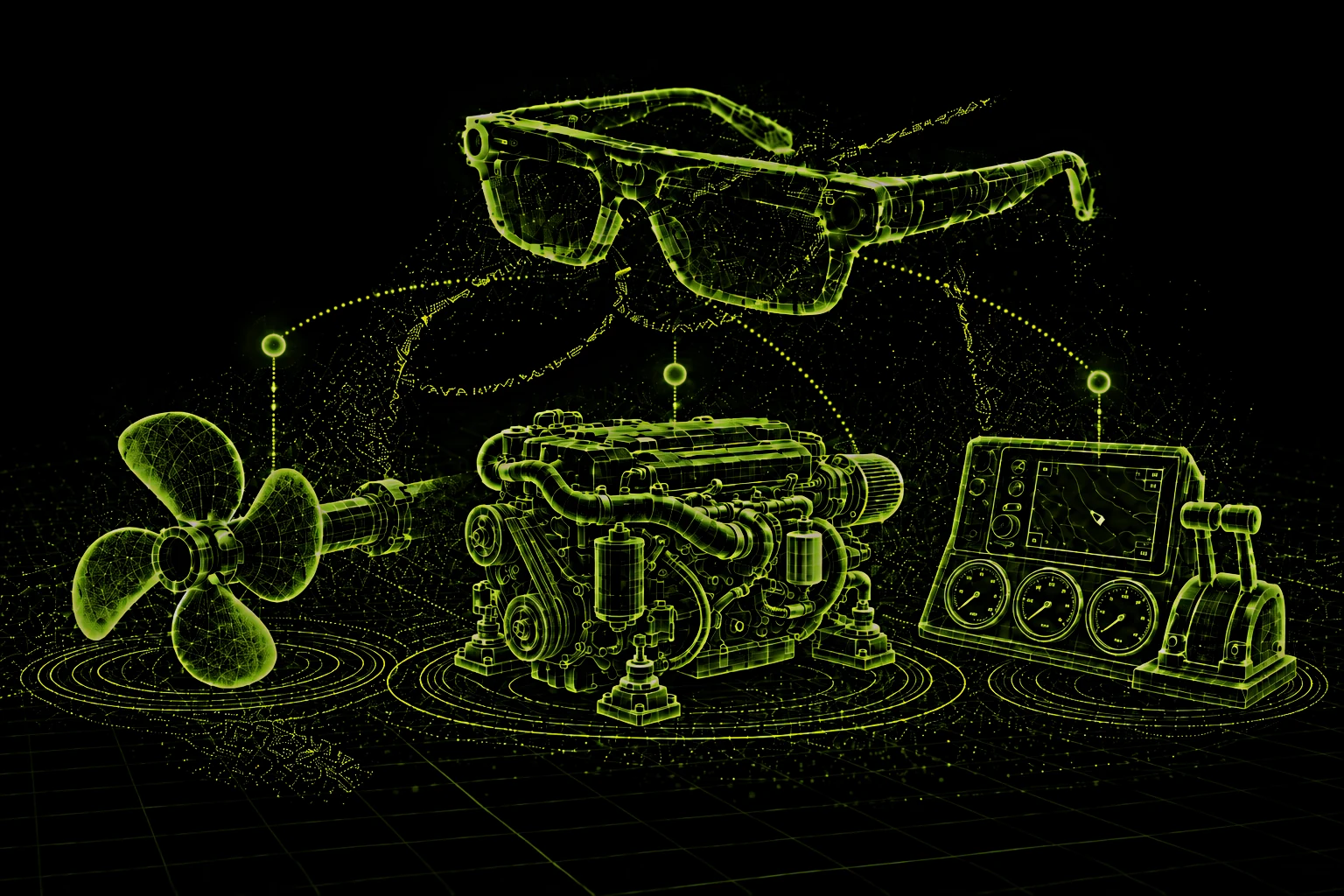
SMART GLASSES
ASSET · WO #4549
ASSET · WO #4587
ASSET · NO EVIDENCE
01 — FIELD PROBLEM
Critical maintenance context is scattered across systems, people, and memory. What changed, what was done, and what the asset looked like are rarely preserved where the next technician can find them.
The system captures the report, not the observed condition of the asset.
Images exist, but without the asset, work order, and note that surround them.
It can summarize a manual. It cannot tell you what the fuel pump looked like last time.
MISSING CONTEXT
02 — WHO GAINS
One capture on the job pays off three times: for the technician who made it, for the company that bills the work, and for the operator who owns the asset.
FOR THE TECHNICIAN
WHEN IT PAYS OFF
End of shift — and the write-up is already done.
FOR THE SERVICE COMPANY
WHEN IT PAYS OFF
A client questions an invoice — and the evidence is already on the work order.
FOR THE VESSEL OPERATOR
WHEN IT PAYS OFF
The surveyor asks what was done on Fuel Pump #2 — and you show them.
03 — TECHNICIAN WORKFLOW
One evidence event creates value now and later. A technician captures during the task, and the next technician retrieves it when the work returns.
DURING WORK
“MEMO, remember this.”
Hands-free by design. Capture and retrieve by voice; keep both hands on the work.
TODAY
Documentation happens during the task, while the details are still present — not hours later from memory.
LATER
The next technician asks what actually happened and gets the original observation, not a reconstruction.
04 — ON THE JOB
The technician wears smart glasses with a camera, microphones and speakers, paired to the MEMO Maritime app on their phone. The glasses see and hear the work and speak the answers; the app holds the job, your drafts and the history — and sends what you submit to the fleet office.
Sees what the technician sees. Photos and short video are captured on request, from their point of view.
Pick up voice commands and voice notes — “MEMO, remember this.” — so both hands stay on the work.
Answers and remote-expert guidance are spoken into the ear. There is no screen to check mid-task.
THE TECHNICIAN APP
The active work order stays on top while the glasses capture photos, short video, voice notes and equipment tags. Say it, and it is saved as a draft on the job — nothing leaves your phone until you review and submit.
FROM THE GLASSES“MEMO, remember this.”
Evidence lands on the work order, vessel and component it belongs to — so history is attached to the asset, not buried in a camera roll.
FROM THE GLASSES“Open work order 4587.”
Retrieval answers with the original evidence and its source. When nothing was captured, MEMO says so instead of guessing.
FROM THE GLASSES“What did this look like before the last repair?”
When memory is not enough, call a remote expert who sees your point of view. The guidance is saved to the work order for the next technician.
FROM THE GLASSES“Call an expert.”
Illustrative interface. Vessels, work orders and people are placeholders — nothing is recorded or stored.
MEMO MARITIME
WORK ORDER #4587 · IN PROGRESS
Main Engine No. 2
Check fuel pipe connection (after leak repair)
Simulates saying it to the glasses
CAPTURED EVIDENCE
AUTO-DRAFTED
✓ Submitted to work order #4587 · credited to you
MEMO MARITIME
#4587 · IN PROGRESS
LINKED EVIDENCE
NOTE
Leak repair done yesterday. Connection to be re-checked under pressure.
#4582 · NOTE SAVED
LINKED EVIDENCE
NOTE
Loosen the upper valve slowly at quarter turn. Pressure stabilised.
WO-3817 · CLOSED
LINKED EVIDENCE
NOTE
Corrosion visible near lower fitting before the repair.
MEMO MARITIME
Pick a question to see how retrieval answers.
MEMO MARITIME
HOW IT WORKS
Ask for help by voice. The expert sees your point of view. The guidance becomes maintenance history.
CONNECTING…
“Loosen the upper valve slowly at quarter turn. You should see the pressure stabilise.”
SAVED TO WORK ORDER #4582
Note saved — guidance added to maintenance history.
05 — YOUR CONTROL
MEMO Maritime is built for the person wearing it. It captures only when you ask, shows you what it captured, and keeps the record about the equipment — not about you.
01 · IDLE
Glasses on. Camera and mics off.
02 · YOU ASK
Light on the frame, tone in your ear.
03 · DRAFT
Review, retake or delete.
04 · YOU SUBMIT
Filed under the asset, credited to you.
No always-on camera. Capture starts when you say “MEMO, remember this” and stops when the clip ends.
VOICE OR BUTTON · NO BACKGROUND RECORDINGA light on the frame and a tone in your ear whenever the camera or microphone is capturing — visible to the crew around you too.
LIGHT · TONE · LIST OF CAPTURES ON YOUR PHONECaptures land as drafts on your phone. Retake, trim or delete — nothing reaches the work order or the office until you submit.
DRAFTS ARE YOURS UNTIL YOU SUBMITThe record is organised by vessel, component and work order. No location tracking, no timesheets, no productivity scores.
SEARCH BY ASSET · NEVER BY PERSONEvery observation and every fix stays credited to the technician who made it — your know-how becomes part of the ship’s history.
LOGGED BY YOU · ON EVERY ENTRYOnly you can open a remote-expert call, and you can end it any time. Nobody can switch on your camera or listen in from the office.
NO REMOTE CAMERA ACCESSMEMO WILL NEVER
QUESTIONS TECHNICIANS ASK US
No. There is no live view from the office. The office sees what you submit, on the work order, after you submit it. The only live video is an expert call that you start yourself.
No. It captures only when you ask, and the light on the frame and the tone in your ear tell you — and anyone near you — that it is capturing.
Drafts stay on your phone. Retake or delete them; nothing is shared until you submit.
MEMO does not time, score or rank anyone, and it shares only what you submit. What you do submit is the evidence the job was done right — useful when a repair is questioned months later.
The people who already read your work orders: the maintenance team for that vessel. Your drafts are visible only to you.
06 — RETRIEVAL
MEMO Maritime retrieves the physical history of an asset, grounded in source evidence. The answer points back to the observation, not just a generated summary.
“What did this assembly look like before the previous repair?”
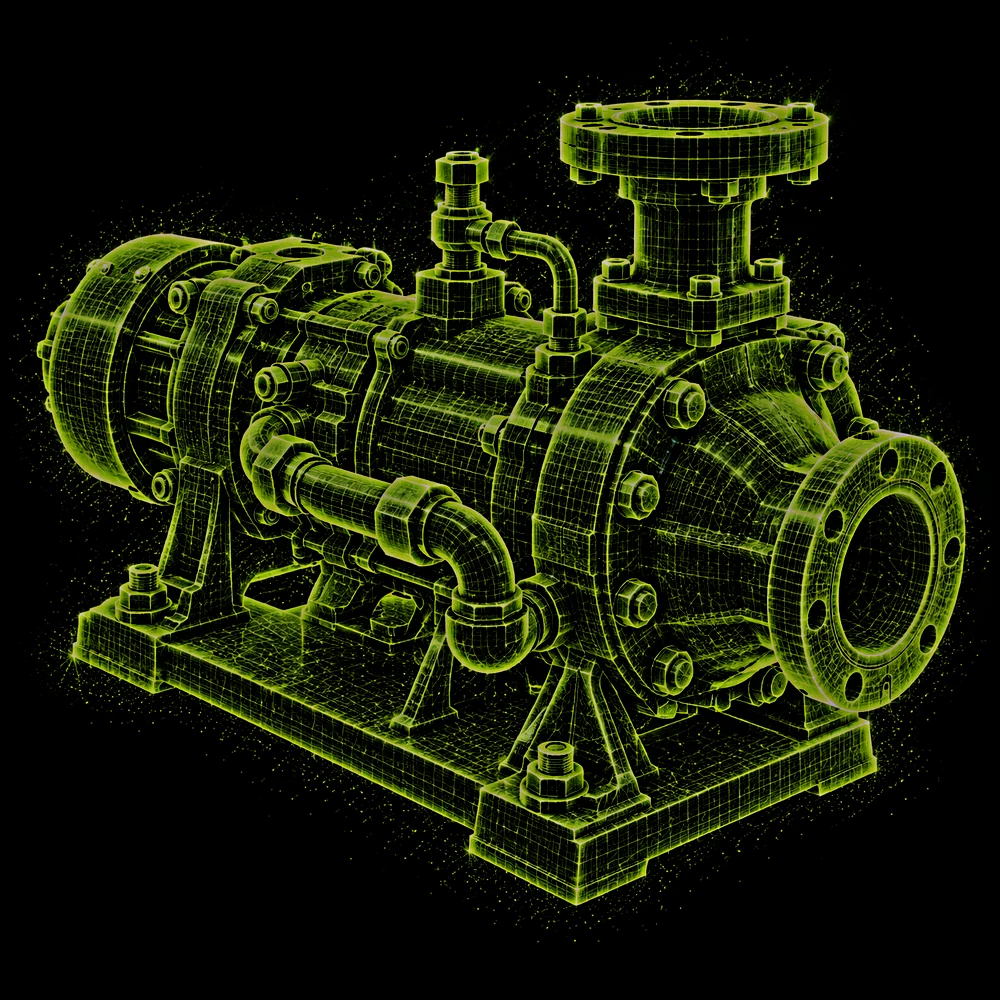
EVIDENCE FOUND
Show the original evidence, not just an AI summary.
Connect observations to vessel, component, and work order.
If evidence is missing, say so clearly.
07 — REMOTE EXPERT
Escalate to a remote expert when needed, then preserve the guidance for the next repair.
Hands stay on the work.
Diagnose the issue together in real time.
The next technician can retrieve it later.
08 — OWNER-OPERATOR APP
Everything technicians submit lands in a web workspace for maintenance managers and operators. See the record build up on each asset, ask the fleet what happened, compare how a component changed over time, and sign off the summaries technicians submit.
When a technician submits evidence — photo, voice, video — it lands on the vessel, asset and work order it belongs to, credited to the person who captured it.
Plain-language questions, answered from captured evidence with every source cited. When nothing was captured, MEMO says so.
Every observation of an asset on one timeline. Compare the same component before and after a repair.
Summaries are drafted from the evidence during the task. The technician reviews and submits; the office signs off or asks a question. Signed-off work joins the asset’s history.
Every expert session is logged against the work order, so guidance given once is available to the next technician.
| Vessel | Site | Open WOs | Last evidence |
|---|---|---|---|
| Vessel 01Harbor tug | Dock A | 5 | 12 min ago |
| Vessel 02Coastal tanker | In service | 4 | 2 h ago |
| Vessel 03Ferry | Dry dock | 3 | yesterday |
VESSEL 01 · ASSETS
VESSEL 02 · ASSETS
VESSEL 03 · ASSETS
Pick a question to see how MEMO answers from evidence.
Searching 148 evidence items across 3 vessels…
● ANSWER · 2 SOURCES
Before the Jun 12 repair, Fuel Pump #2 showed corrosion near the lower fitting 1. The fitting was cleaned and re-torqued the same day 2.
● ANSWER · 3 SOURCES
Two assets changed. Main Engine No. 2: fuel pipe connection repaired after a leak and re-checked today 1 2. Steering gear: a minor seep recorded at a hydraulic fitting 3.
○ NO EVIDENCE FOUND
Nothing has been captured for the helm console on Vessel 03. MEMO won’t guess at an inspection date.
✓ Added to the checklist for the next job on Vessel 03.
Fuel pipe connection re-checked after yesterday’s leak repair. No weeping observed under test pressure.
“Connection is dry after the test run.”
Upper valve adjusted under remote-expert guidance; pressure stabilised. Expert call logged.
“Loosen the upper valve slowly at quarter turn.” — Inga Berg
Hydraulic line inspected. Minor seep at a fitting recorded on video; follow-up flagged for next port call.
“Small seep at the lower fitting, not dripping.”
Corrosion near the lower fitting documented before repair; fitting cleaned and re-torqued.
| When | Expert | Asset | Length | Saved note |
|---|---|---|---|---|
| Today 08:41 | Inga Berg | Sea Water Pump · P-102AWO #4582 | 4:12 | Loosen the upper valve slowly at quarter turn. Pressure stabilised. |
| Yesterday | Tomas Reyes | Steering gearWO #4571 | 9:30 | Check accumulator pre-charge before bleeding the line. |
| 3 days ago | Inga Berg | Fuel Pump #2WO #4553 | 6:05 | Replace gasket; re-torque in star pattern. |
| Last week | Dana Cho | Bow thrusterWO #4538 | 11:48 | Insulation reading low; isolate motor and test again. |
Illustrative interface. Vessels, people and figures are placeholders — nothing is recorded or stored.
EXISTING SYSTEMS
MEMO
Memory of the physical state — preserves what the asset actually looked like.
POSITIONING
Not another maintenance system. A visual evidence layer for physical work — complementing CMMS, work orders, and shared photos.
09 — WHO IT'S FOR
MEMO Maritime begins with maritime teams that maintain complex physical assets over time.
BUILT FOR
Field teams who document and troubleshoot under time pressure.
ALSO FITS
Repeated repair work across vessels and systems.
ALSO FITS
Reliable service history and faster access to prior work.
10 — ORIGIN
MEMO Maritime runs on a working first-person AI stack, first proven at the NVIDIA Spark Hackathon and now focused on maintenance evidence.
First-person interaction on wearable hardware.
Capture and retrieve without leaving the task.
Visual and spoken evidence stored with context.
Processing stays close to the vessel.
Winner, Seattle — the prototype where MEMO began.
View the announcement11 — GET STARTED
Prove it on one job first. A short pilot on a single workflow shows what changes for the technicians and for the business before you roll it out wider.
1 workflow · 2–4 technicians · 1 site or vessel · 2–4 weeks. A baseline first, then outcomes measured for the crew and the business.
Deployed for your team or site, with support.
Add vessels, technicians, and workflows as results land.
Integrations, security, and multi-site deployment.
WHAT THE PILOT MEASURES
FOR THE TECHNICIAN
FOR THE BUSINESS
SUCCESS CRITERION
Technicians are briefed before day one and asked anonymously at mid-point and at the end. If the crew doesn’t want MEMO, the pilot hasn’t worked — whatever the other numbers say.
DEPLOYMENT
Runs where your data lives. Local or private deployment keeps processing close to the vessel.
REQUEST A PILOT
Tell us where the job is hard today. We'll reply within two working days to set up a short call, then shape the pilot with you and measure the result.